RNN BottomBar
Bottom bar is used for navigation between main screens of the app.
Bottom bars may display up to five tabs representing main screens. Each screen is represented by an icon and a text label.
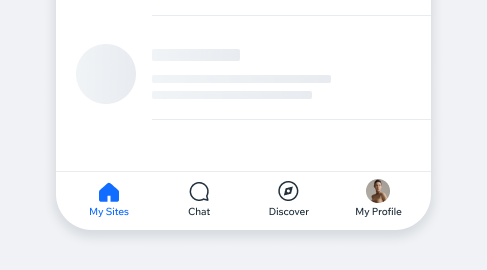
- Overview
Usage ExamplesThe Bottom Bar is displayed in Root screens and Push screens to provide convenient navigation between the app’s root screens. Bottom Bar
won’t be displayed in Modal screens since these are used for actions requiring focus and completion (forms for example) and accidental navigation should be prevented.
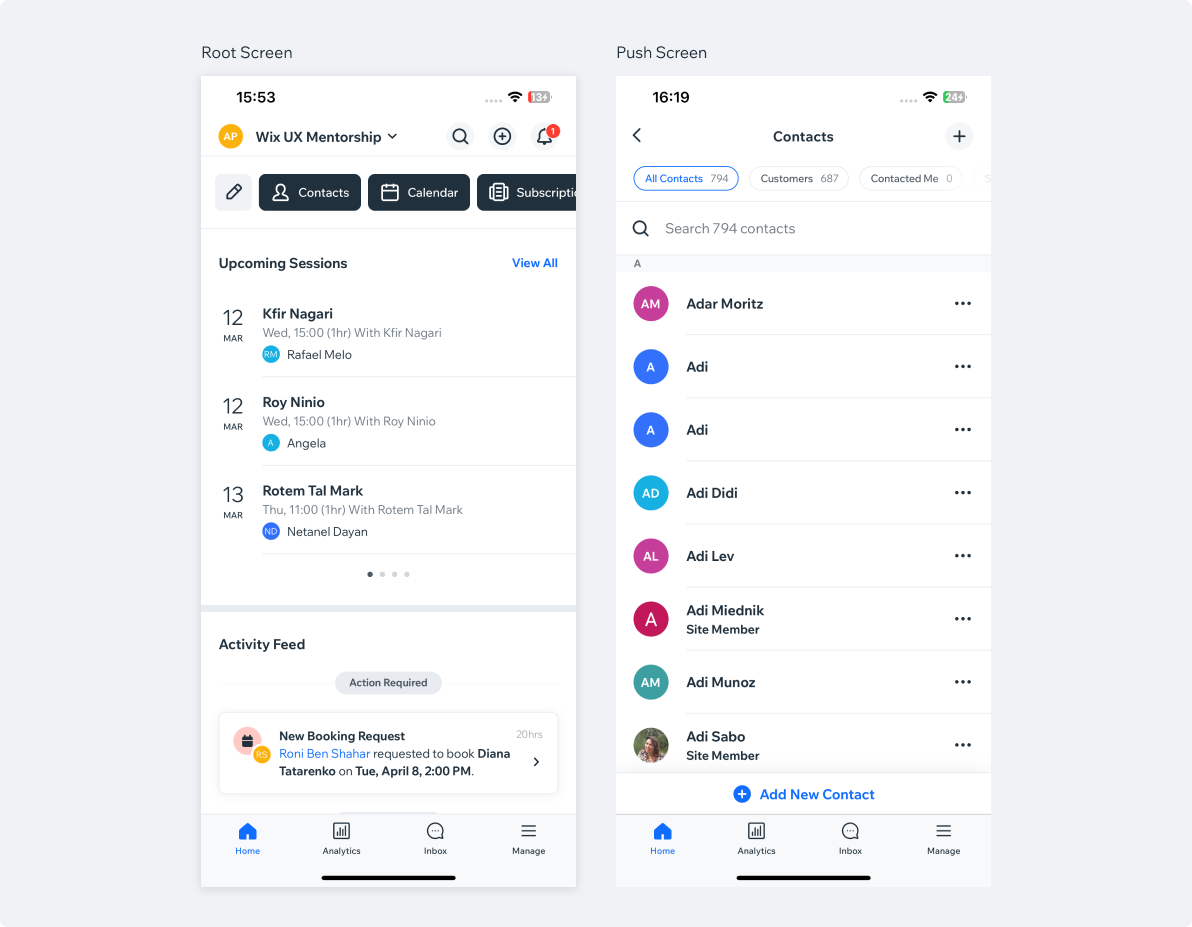
Bottom Bar Style Examples
In the majority of cases, the main screen of the app (“home”, “dashboard” etc.), will be represented as the first tab,
selected by default once the app is loaded.
Selected tabs may affect both the style and the color of the selected tab icons.
| Wix App | Initial Selection | Selecting another tab |
|---|---|---|
| Owner App (Home) |  |  |
| Spaces by Wix |  |  |
| Dine |  |  |
Bottom Bar AccessoriesBottom bar tabs can be used to indicate activity in a corresponding root screens using our Badge component. Indicating an amount of the
new messages in “Inbox”, or various updates in “Manage” screen is a good example.
| Accessory | Counter | Pimple |
|---|---|---|
| Badge |  |  |
iOS vs AndroidOur bottom bars are almost identical in iOS and Android. Note that on Android, the bottom bar is taller (56px).

Bottom Bar on TabletOn the tablet devices, bottom bar will stretch to fit the screen width and the tabs spacing will adjust proportionally. Note that additional 160px margins are added to the “page” margins.
